Appearance
How Android CLI works
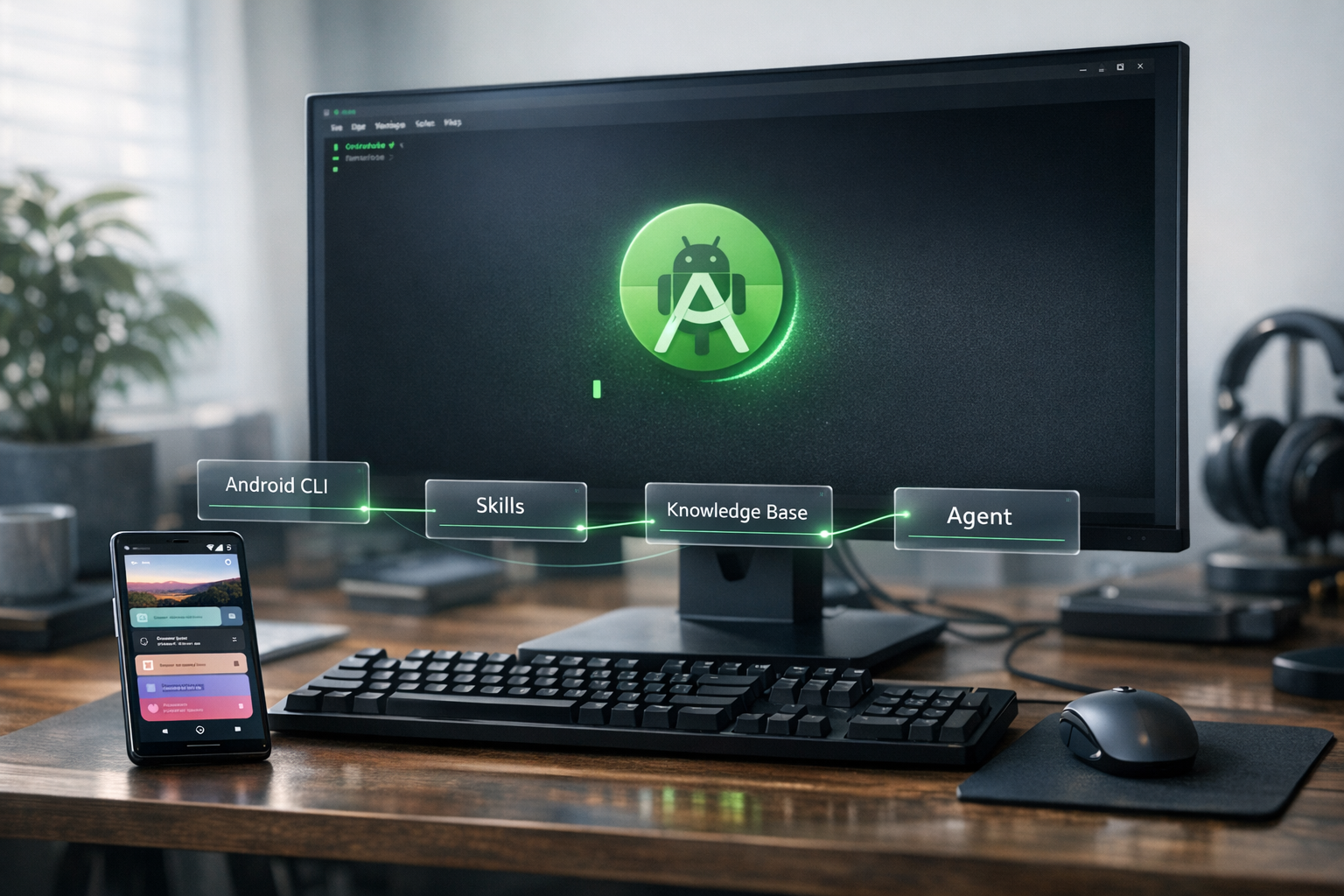
A 5-minute visual walkthrough of how an AI coding agent uses Android CLI, Android Skills, and the Android Knowledge Base together to build Android apps.
TL;DR
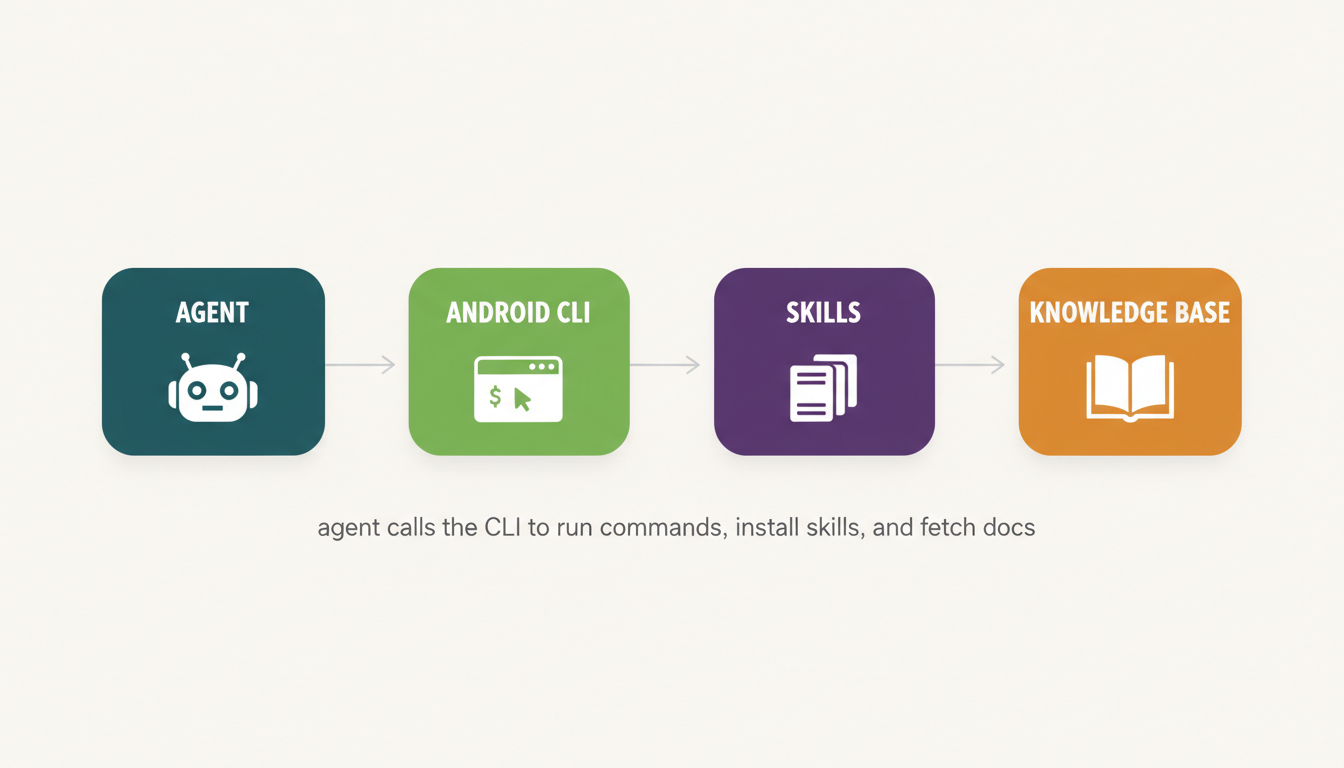
You give the agent a goal in plain English. The agent calls Android CLI to do real work on your machine (scaffold, build, install, run, emulate). Along the way the CLI pulls in Skills (curated playbooks) and the Knowledge Base (authoritative docs) so the agent doesn't have to guess.
The four pieces
| Piece | What it is | What it does | Where to learn more |
|---|---|---|---|
| Agent | Claude, Gemini, Codex, or any agent that supports tool calls | Decides what to do based on your prompt. Calls the CLI when it needs to touch the project. | Bring your own agent. |
| Android CLI | A single binary (android) installed on your machine | Runs verbs like create, run, sdk install, emulator start. Standardizes how every agent talks to Android. | CLI overview |
| Android Skills | Small .md instruction packages with a SKILL.md + optional scripts/refs/assets | Teach the agent a specific workflow (Compose migration, AGP 9 upgrade, Navigation 3, R8 audit, edge-to-edge UI). Loaded on demand. | Skills overview |
| Knowledge Base | A search/fetch service over Android, Firebase, Kotlin, and Google Developers docs | Gives the agent fresh, authoritative answers via android docs search and android docs fetch. | Knowledge Base |
How a session flows
Step 1 — Initialize the environment
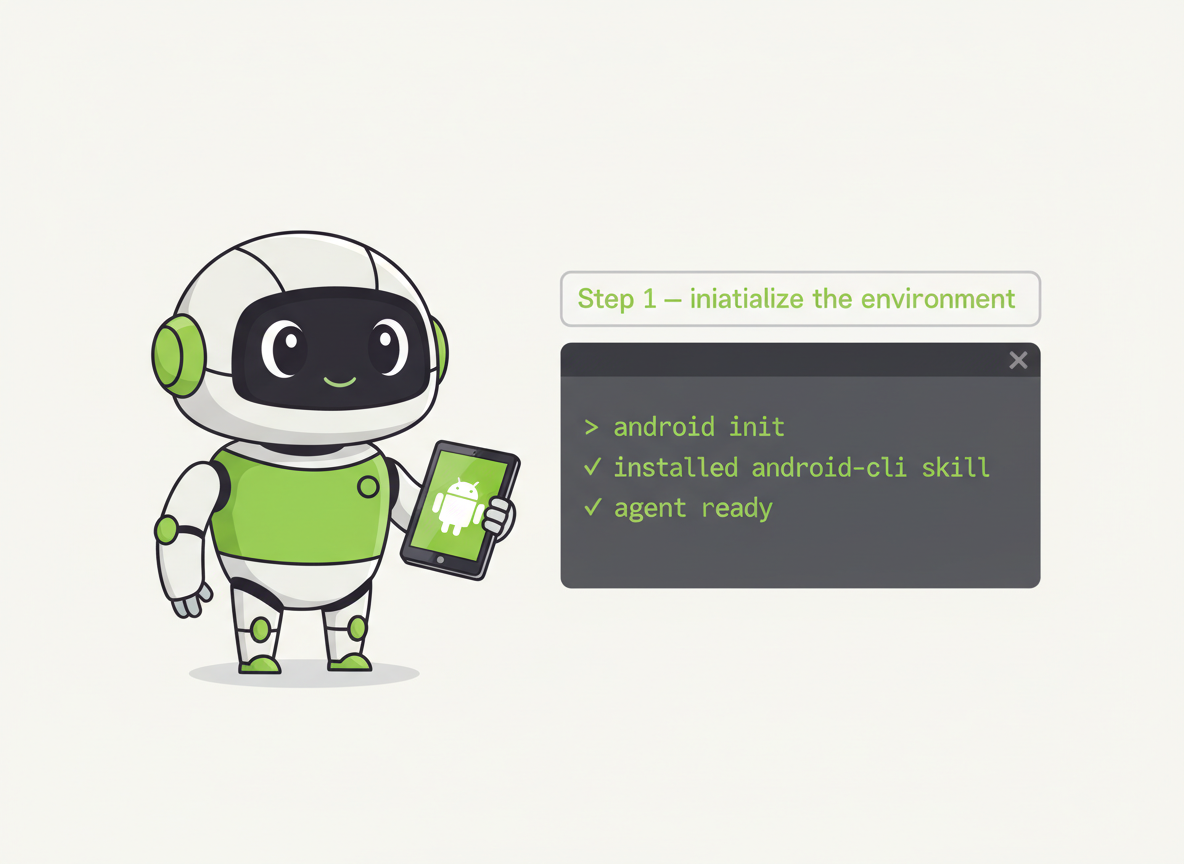
Once android is on PATH, you run android init once. That installs the android-cli skill into your agent's skills directory so the agent knows about every command, every flag, and every default.
bash
android initAfter that, the agent can call android directly. No prompt engineering, no documentation pasted into the chat.
What init actually writes
The android-cli skill ends up at .skills/android-cli/SKILL.md or .agent/skills/android-cli/SKILL.md relative to the project root. The SKILL.md is a YAML-frontmatter Markdown file describing every CLI subcommand. The agent auto-loads it whenever an Android-related prompt comes in.
Step 2 — Load the right skill on demand
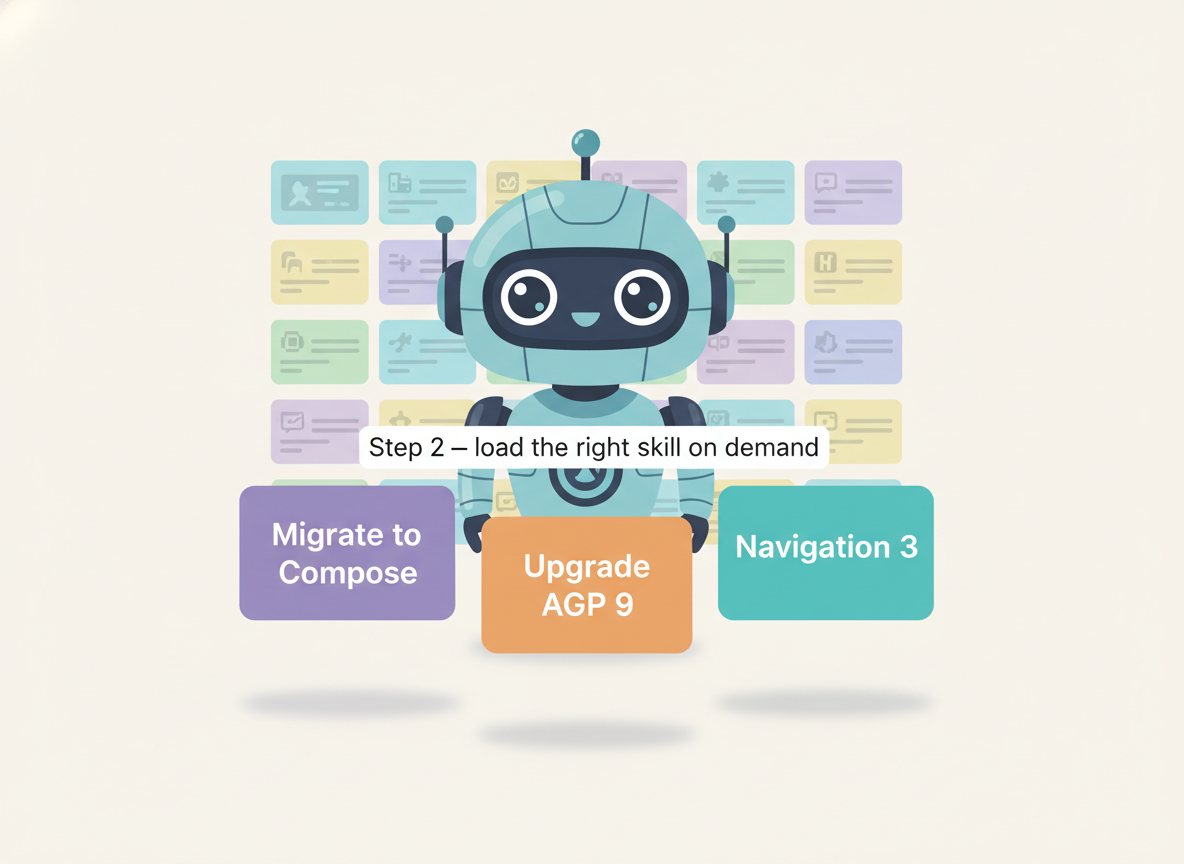
When you ask the agent to do something specialized — "migrate this XML UI to Compose" — the agent doesn't reason from training data. It runs:
bash
android skills list
android skills add --skill migrate-to-compose
The agent now has a step-by-step playbook authored by the Android team. It executes the migration following the skill's exact instructions, calling other CLI verbs as the playbook dictates.
You can install all skills at once
android skills add --all installs every published Android skill into the agent's skills directory. The agent picks the right one based on the task.
Step 3 — Fetch authoritative docs at query time
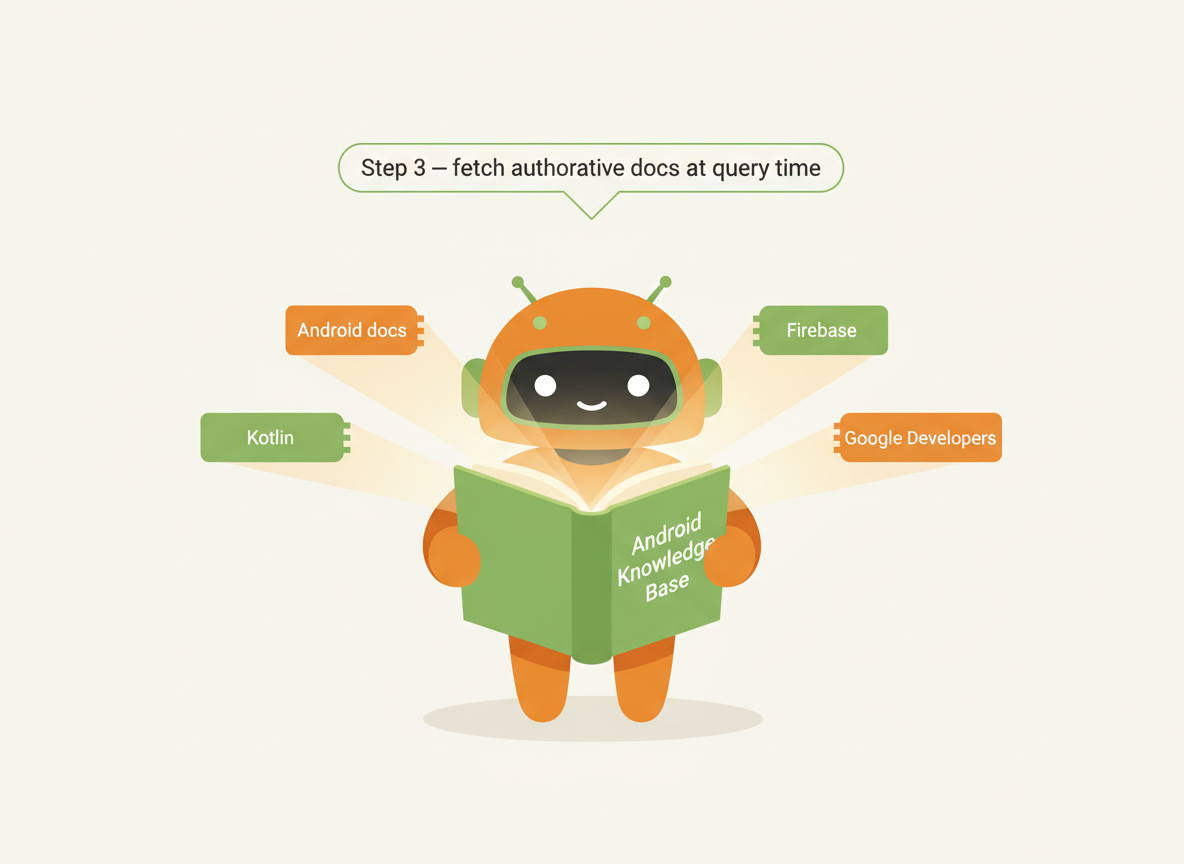
When the agent needs facts that may have changed since its training cutoff (a new API, a new library version, a Firebase migration), it queries the Knowledge Base instead of guessing:
bash
android docs search "Navigation 3 destinations type-safe"
# returns kb:// URLs
android docs fetch kb://android/topic/navigation/nav3-destinations
# returns the full doc content into the agent's context
Sources covered today: Android developer docs, Firebase, Google Developers, Kotlin docs. The agent cites which document it pulled from in its answer.
Quick command reference
| You want to... | Run |
|---|---|
| Install Android CLI on Windows | curl.exe -fsSL https://dl.google.com/android/cli/latest/windows_x86_64/install.cmd -o "%TEMP%\i.cmd" && "%TEMP%\i.cmd" |
| Install on Linux / macOS (Apple / Intel) | See Install for one-liners |
| Set up the agent skill | android init |
| Scaffold a new project | android create --output ./my-app empty-activity-agp-9 |
| List available templates | android create list |
| Start a virtual device | android emulator create --profile medium_phone then android emulator start medium_phone |
| Deploy an APK | android run --apks=app/build/outputs/apk/debug/app-debug.apk |
| Manage SDK packages | android sdk list, android sdk install, android sdk update |
| Search docs | android docs search "your query" |
| List skills | android skills list --long |
| Install a skill | android skills add --skill <name> or --all |
| Update the CLI | android update |
| Check version | android -V |
How agents pick this up automatically
Once android init has run, your agent reads the android-cli skill on startup. From that point on:
- You say "build the debug APK and deploy it to my emulator."
- The agent reads the skill, plans the calls, and executes:
android emulator list(find a device)android emulator start medium_phone(if none running)./gradlew assembleDebug(build)android run --apks=app/build/outputs/apk/debug/app-debug.apk(deploy)
- The agent reports back what it ran and any errors.
No CLI memorization on your side. No copy-pasting from docs.
What about Android Studio?
Android Studio is still the right tool when you need visual editors, the layout inspector, the profiler, or graphical debugging. The CLI is purpose-built for the headless, agent-driven part of the loop — scaffolding, builds, deploys, virtual devices, SDK management. Anything you start in CLI can be opened in Android Studio for the heavy graphical work.
FAQ
Which AI agents work with Android CLI?
Any agent that supports skills (the open standard). Today that includes Claude Code, Gemini CLI, Codex, and anything else that follows the agent-skills spec. The CLI itself is agent-agnostic — it's just a binary that does its own job.
Is the Android CLI free?
Yes. It's a Google-published binary distributed from dl.google.com/android/cli/latest/. The Knowledge Base and Skills service are free for use with the CLI.
What telemetry does the CLI collect?
Invocations of the android command and sub-commands, names of non-positional flags used, and predefined system values like emulator profiles (medium_phone) and agent names (GEMINI, CLAUDE, CODEX). It does NOT collect command output, user input strings, custom project names, or identifiable content. Pass --no-metrics to disable.
Where does the agent's .skills/ directory live?
At the project root: .skills/<skill-name>/SKILL.md or .agent/skills/<skill-name>/SKILL.md. Nesting under category subfolders is allowed (skills/ui-flows/edge-to-edge/SKILL.md).
Can I write my own skills?
Yes. A skill is a directory with a SKILL.md file (YAML frontmatter + Markdown body). Optional scripts/, references/, assets/ subdirectories hold supporting files. Body target: 10K–20K characters. See the Skills overview for the format spec.
Known issues today
android emulatoris currently disabled on Windows.- Downloading the CLI from Windows PowerShell is unsupported — use
cmd.exefor the install one-liner.
Where to go next
- Full CLI reference — every command, flag, and example
- Install commands for every platform
- Android Skills overview — concept, format, directory layout
- Browse shipped skills — Compose, AGP 9, Navigation 3, R8, Play Billing, edge-to-edge
- Knowledge Base reference —
android docscommands and the Agent Web Search tool
Image credits
- Hero photo generated with OpenAI gpt-image-1.5 (GPT Image 2 latest, confirmed via Context7 lookup 2026-05-18, 1536x1024, quality=high).
- System diagram and step illustrations generated with Google Gemini 2.5 Flash Image (Nano Banana stable, confirmed via Context7 lookup 2026-05-18) via the REST
generateContentendpoint.